Uploading Enrollment/Transfer Form
This document describes options for uploading the participant enrollment and transfer form for the NACCID trial.
This form will ultimately be submitted to NACC in the same way as other forms. But because interfaces are still being developed, there are some details that will differ from the future upload to the NACC Data Platform, and these are detailed here.\n
The trial asks you to submit in three different ways. One is by uploading a batch or CSV file via the ADRC portal. The second is via an api submission. And, the third is using direct data entry in REDCap.
For the trial, all centers will be submitting to the same data pipeline within the Data Platform. And so you should be careful to not submit any actual participant information during the trial.
Direct data entry via NACC REDCap
Creating a batch (CSV) file
For upload, you should create a file named ptenrl-forms.csv
Exporting a report from REDCap
Formatting your Non-REDCap export
Uploading a batch file via the ADRC portal
When you log in to flywheel, you'll be taken to your adrc portal. On your portal, you will see a widget that allows you to submitting the enrollment transfer form. Clicking on this widget will take you to a page within flywheel that looks like the following
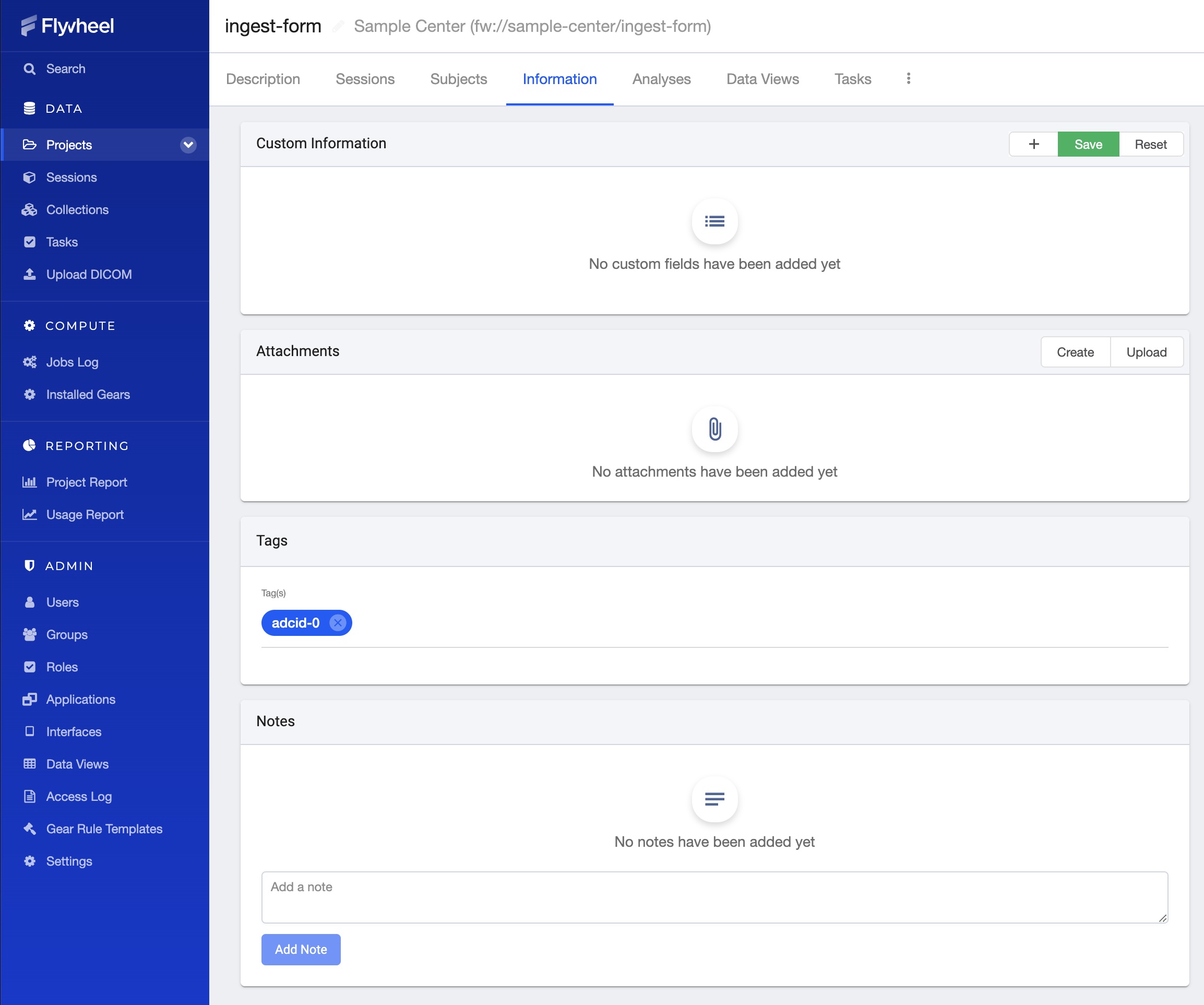
Under attachments on this page
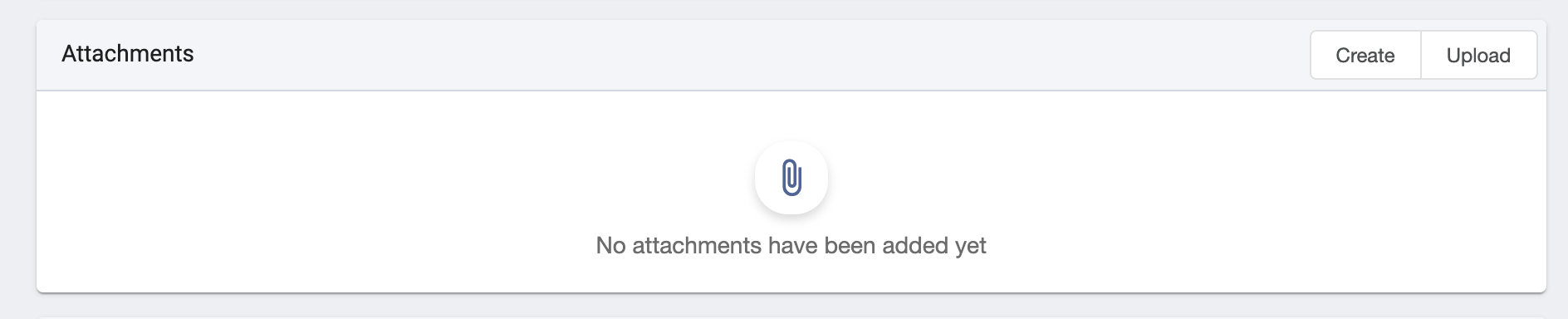
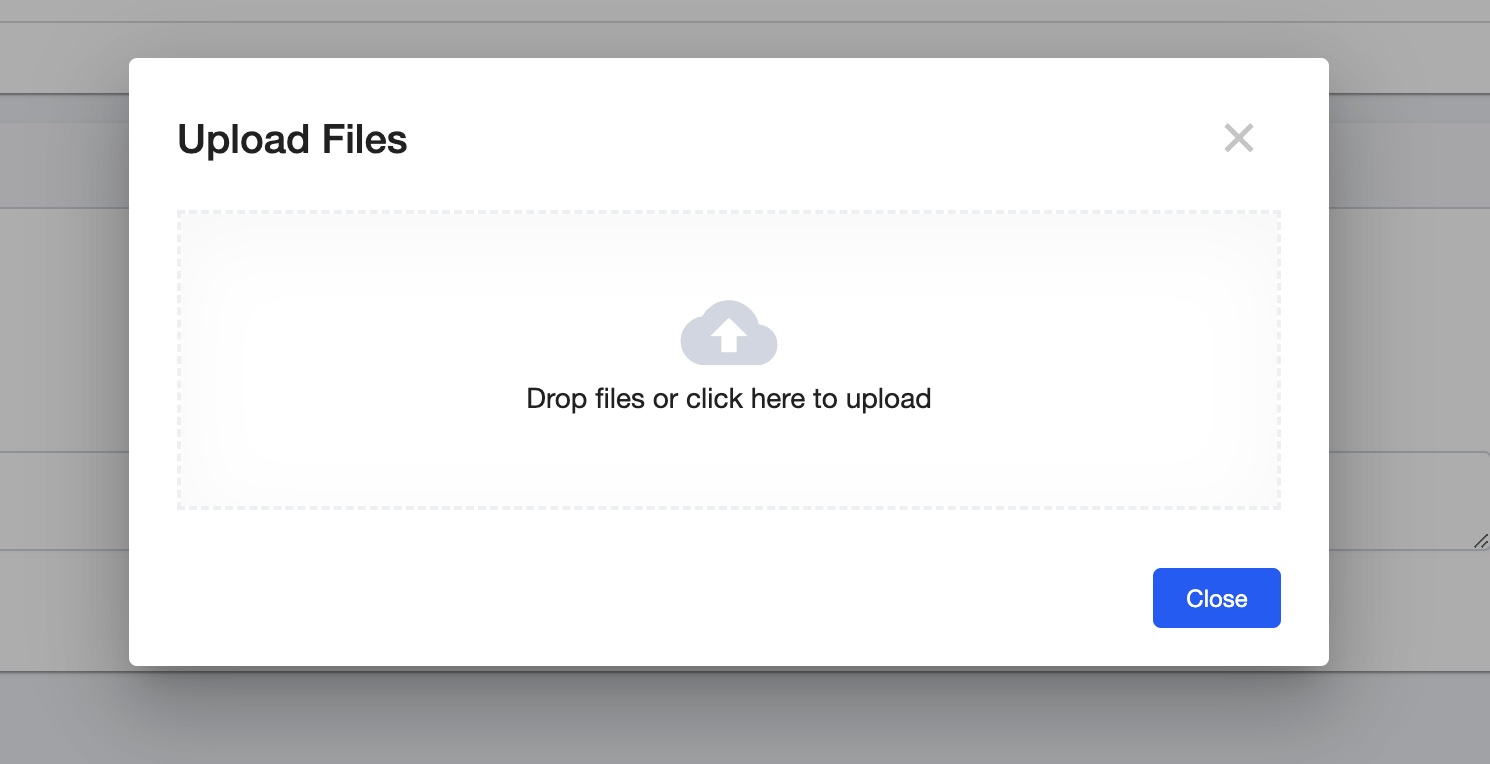
Click the upload button, which will open a popup window.
Drag your file onto the popup window. Once the file is uploaded, the window will indicate the file was uploaded successfully.
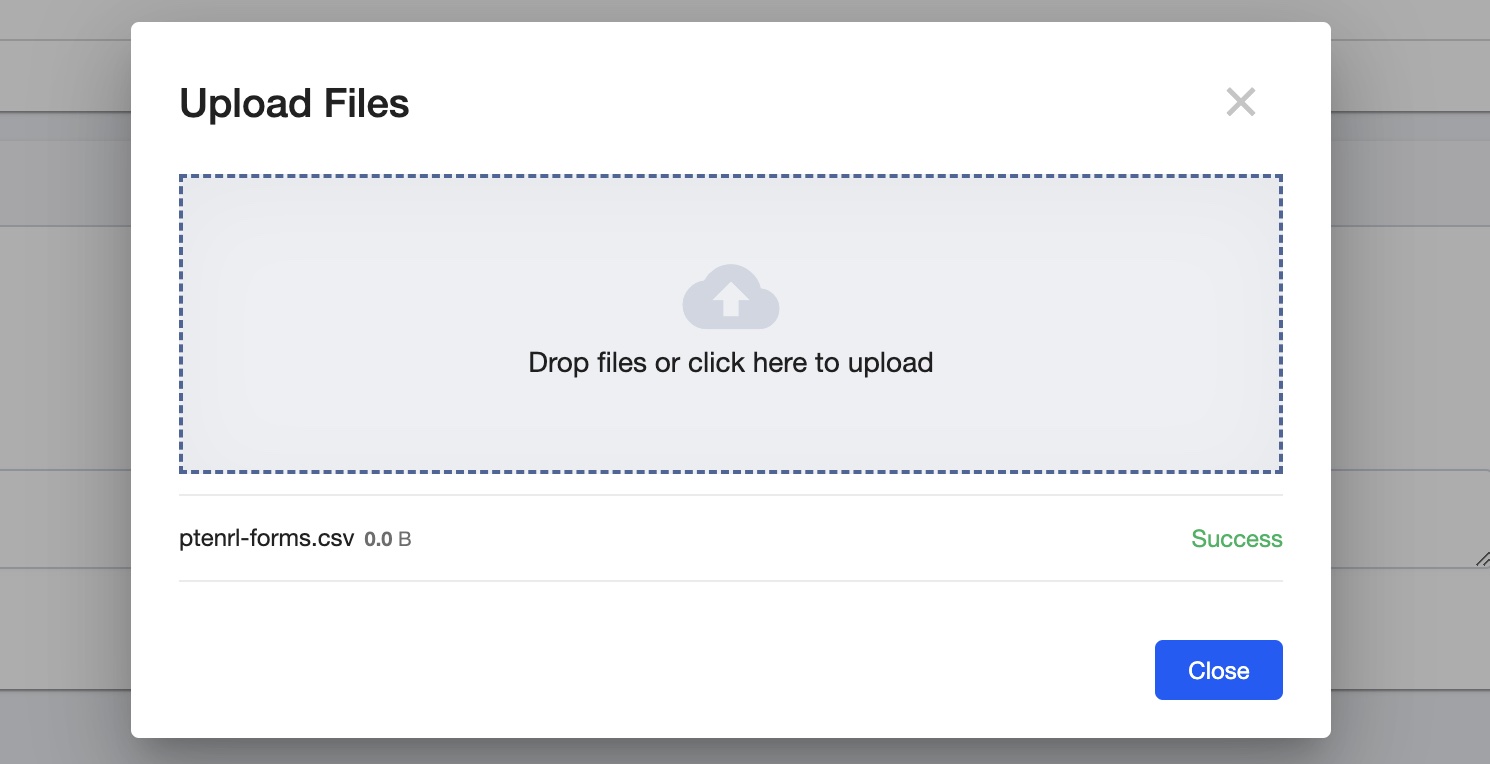
Finally, click close, and you should see that the file is attached to the project.
