Sandbox Submission Mode
You can use the ADRC portal Sandbox Mode to do a test submission before you submit real participant data.
Enabling Sandbox Submission Mode
Click on your user profile button at the top right corner of the ADRC portal, you will see a toggle for Sandbox Mode:

This toggle allows you to submit data to the Sandbox project, which is a copy of the main project, but is not used for any analysis or reporting. All submission interfaces and reporting interfaces will show data from the Sandbox project when Sandbox Mode is enabled. The menu bar will also show a banner indicating that Sandbox Mode is enabled.
When you click the toggle, you will see the following dialog:
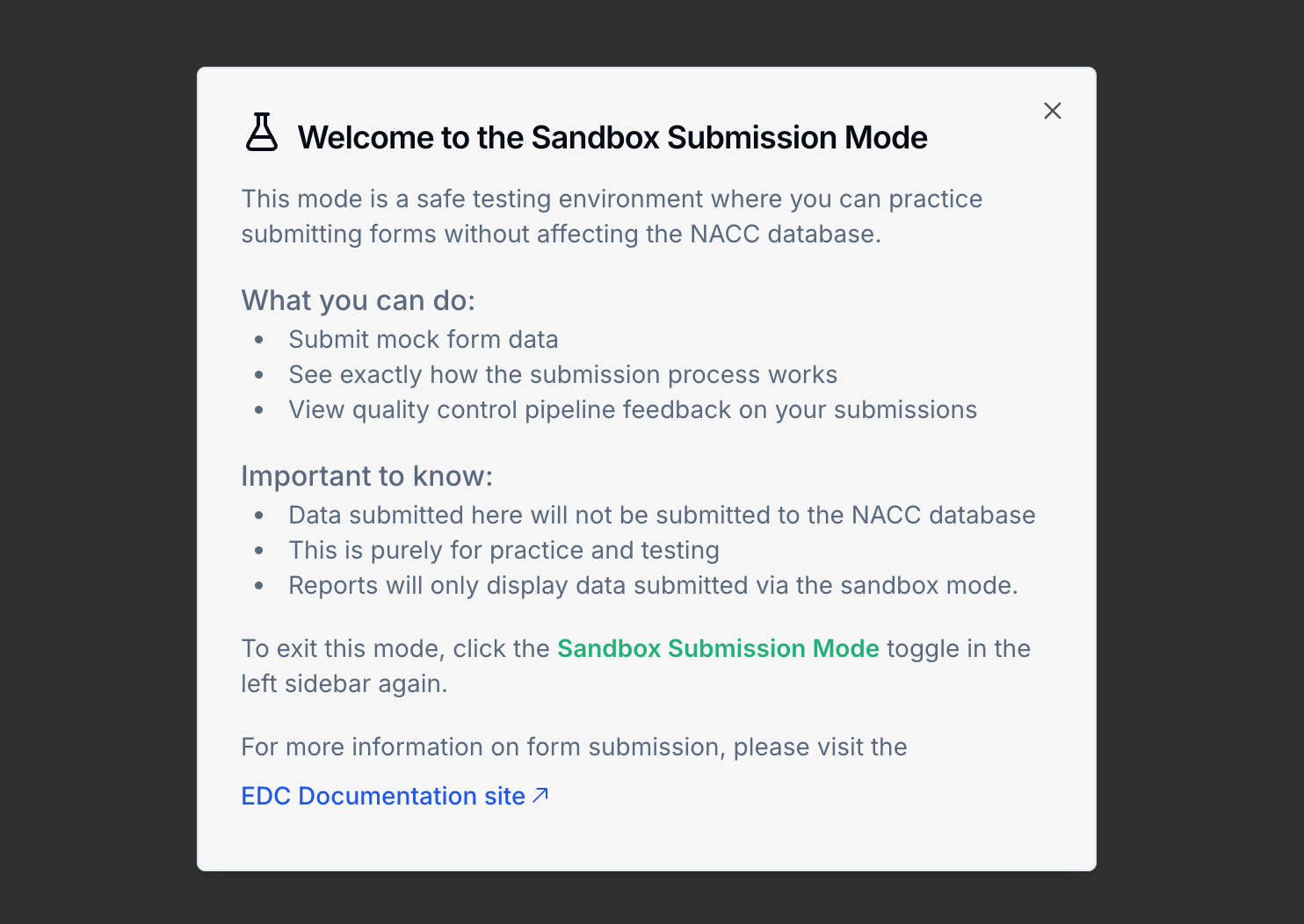
While Sandbox Submission Mode is enabled, forms submitted will be submitted to the Sandbox project, and will not be used for official analysis or reporting. Reports will likewise only show data that has been submitted to the Sandbox projects.
Sandbox mode is useful for testing and development. Sandbox submissions will be run through the same validation and processing pipeline as production submissions.
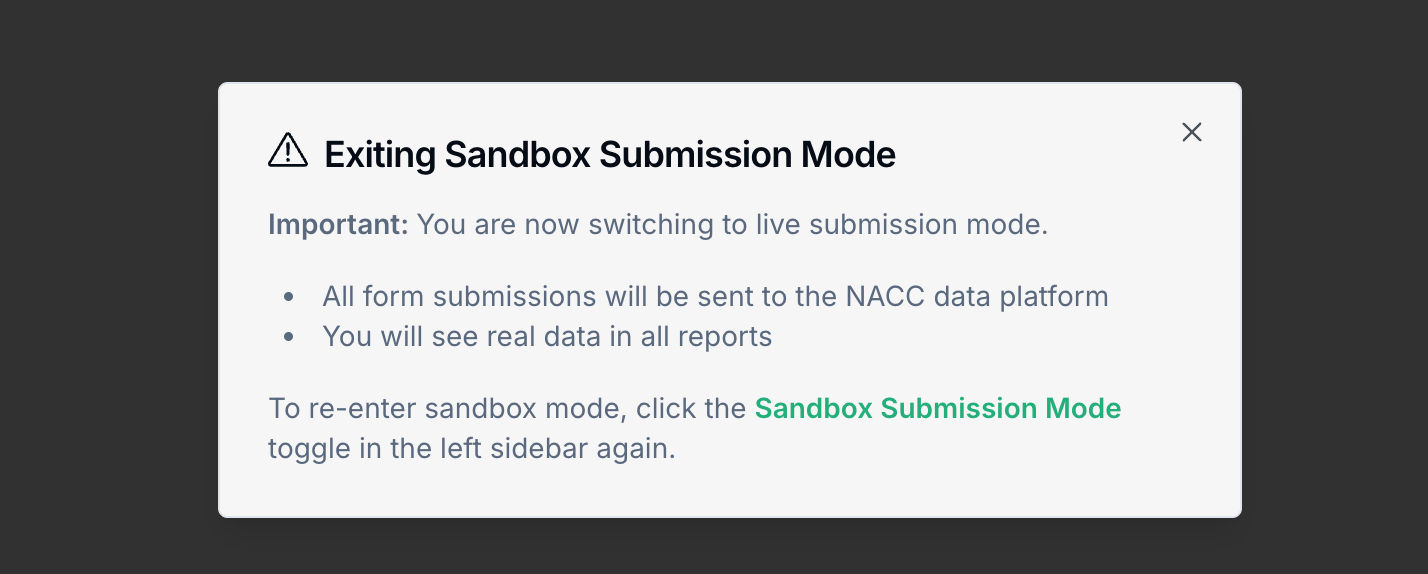
To disable Sandbox Mode, click the toggle again. You will see the following dialog:
Sandbox Mode Submission Instructions
Sandbox mode uses test identifiers starts with the "TEST" prefix (instead of NACC). Sandbox participants will not have any associated legacy data.
- Submit an enrollment form to get a test identifier for a dummy participant
- Submit test data for the dummy participant
- View the QC status and error report and fix any issues
It is not possible to test the transfer process in Sandbox mode.