NIAGADS GWAS Data
This document explains how Alzheimer’s Disease Research Centers (ADRCs) can download ADGDC & NIAGADS GWAS and Imputation data from the ADRC Portal. It covers where to find ADGC & NIAGADS downloads in the portal and how to download the available files for your center.
Download ADGC & NIAGADS Data in the ADRC Portal
To access ADGC & NIAGADS data, navigate to the ADGC & NIAGADS Dashboard.
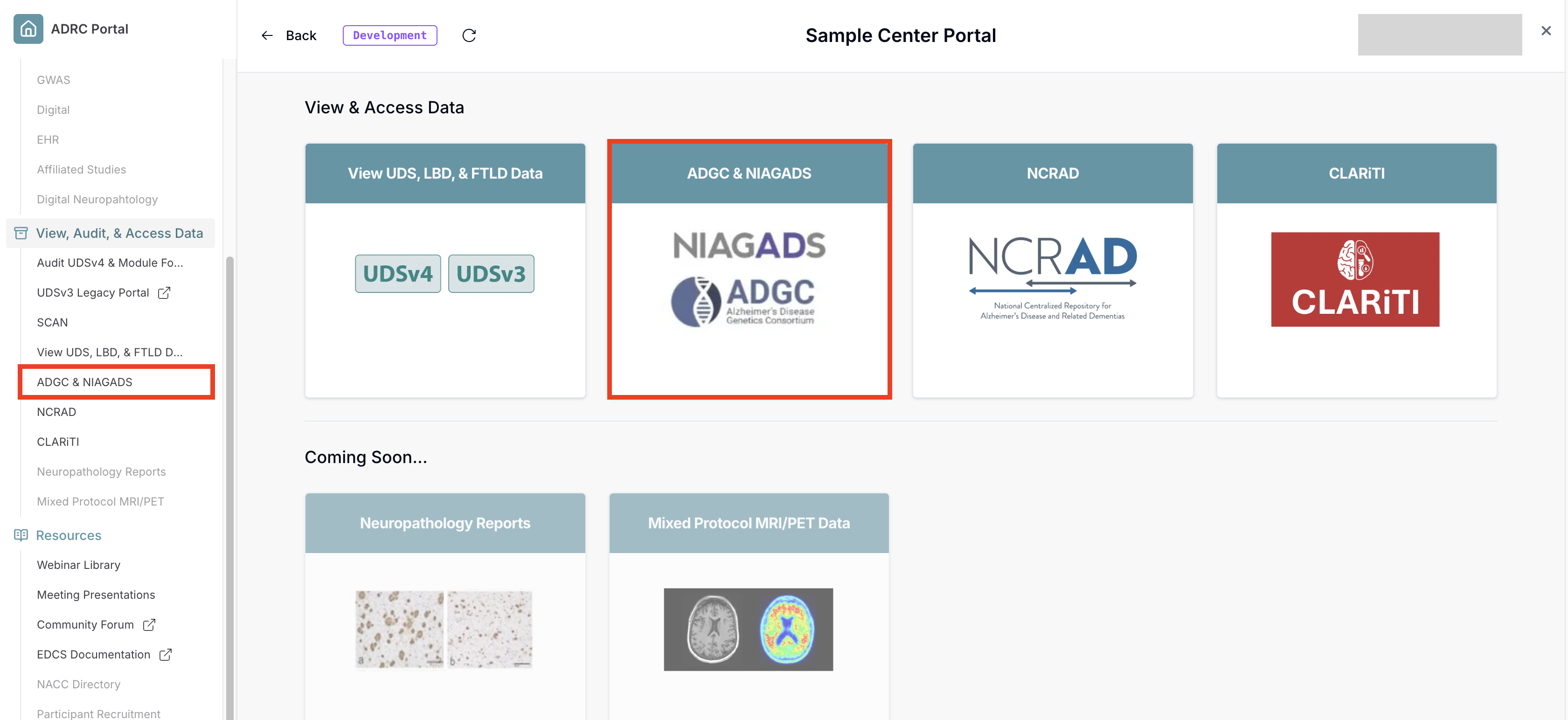
-
Select the data type you wish to access.
If the card is grayed out, that means you do not have access to the corresponding Flywheel project. Contact your center's administrator or director to request access.
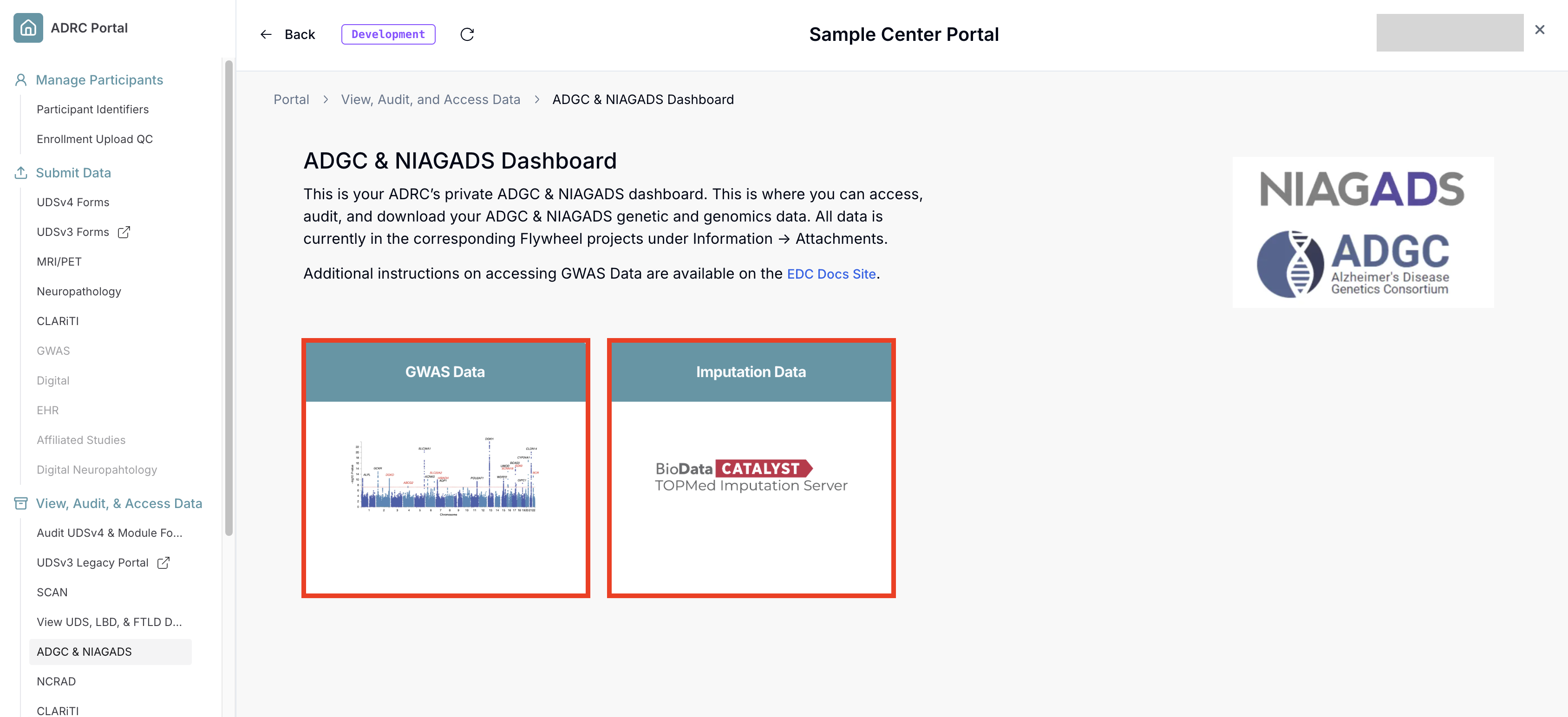
-
Each card will bring you to the corresponding data type's landing page. It provides a brief summary about the data and how it was generated along with your data files further down.
To download the data, scroll down to view your files. The data for each genotyping round is contained in a
tar.gzarchive. Then, click on one of the download icons next to the data files, which will bring up the downloads dialogue for that specific file.
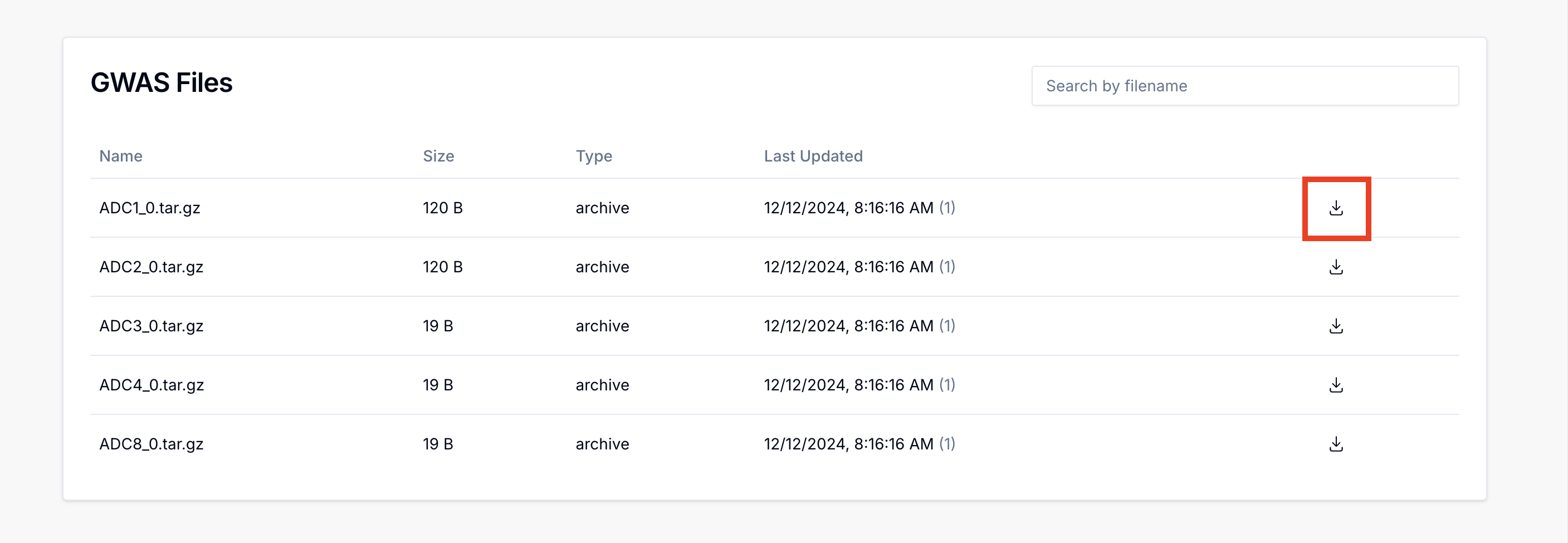
-
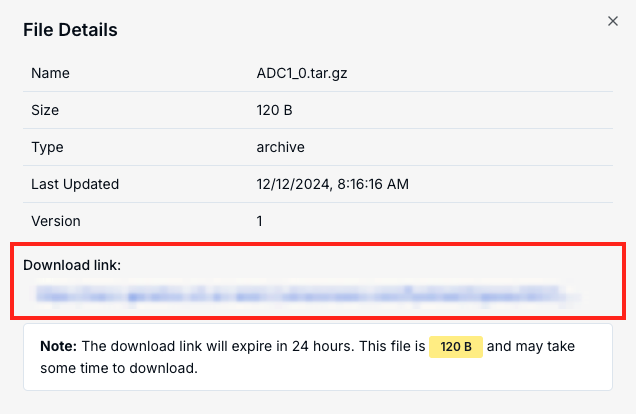
Click on the "Generate Download Link" button. This generates a download link that expires in 24 hours. Clicking on the link will start the download process for that specific file.
Due to the size of the data, some files may take a long time to download. Be sure to double check the size of the archive before downloading.
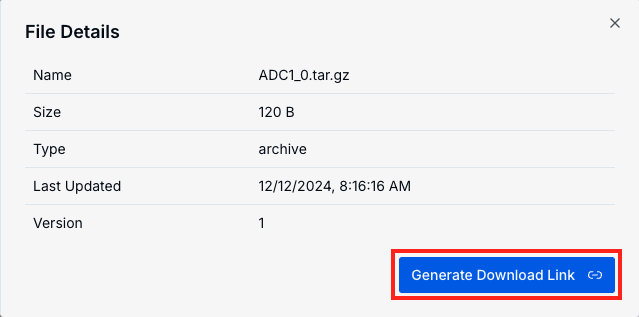
- Once the file is downloaded, you will need to extract the individual files from the archive. The easiest way to do that is in a terminal with the
tarcommand, replacingfilename.tar.gzwith the name of your file.
tar xzf filename.tar.gz
The above will extract the contents to the same directory. To extract to a specific directory, use the -C flag:
tar xzf filename.tar.gz -C path/to/target/dir