Distributed Data (for ADRCs)
This document outlines how to access distributed data through the ADRC portal. The data itself is stored in Flywheel projects for your center.
Prerequisites
To follow these instructions, you will need:
- An active ADRC Portal user account
- Portal permissions that allow you to view the relevant content for your ADRC
- A browser/network environment that permits file downloads
If you do not see cards for distributed data (such as ADGC & NIAGADS and/or NCRAD) in the portal, your account may not have the required permissions. If access is needed, submit a Support Request and request access.
Key concepts (quick reference)
- ADRC Portal: The primary place ADRCs download view and download their center's data.
- Dashboard (in the portal): Center-specific landing pages where you can view, audit, and download your center's data.
- Center-specific access: You should only see files available to your ADRC.
- File metadata: Fields such as Name, Size, Type, and Last Updated help confirm you’re downloading the expected and most recent file.
Accessing Distributed Data Through the ADRC Portal
- Log into the ADRC Portal.
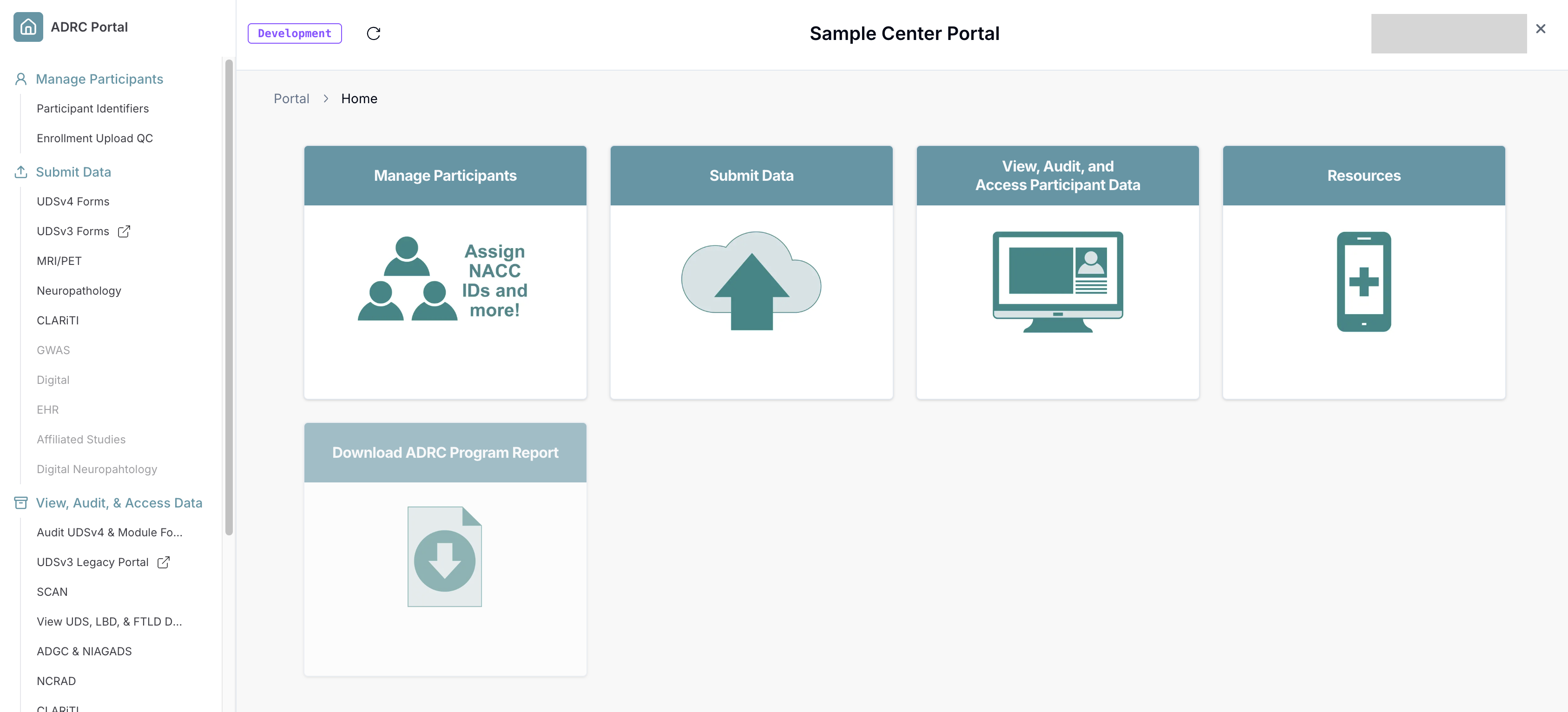
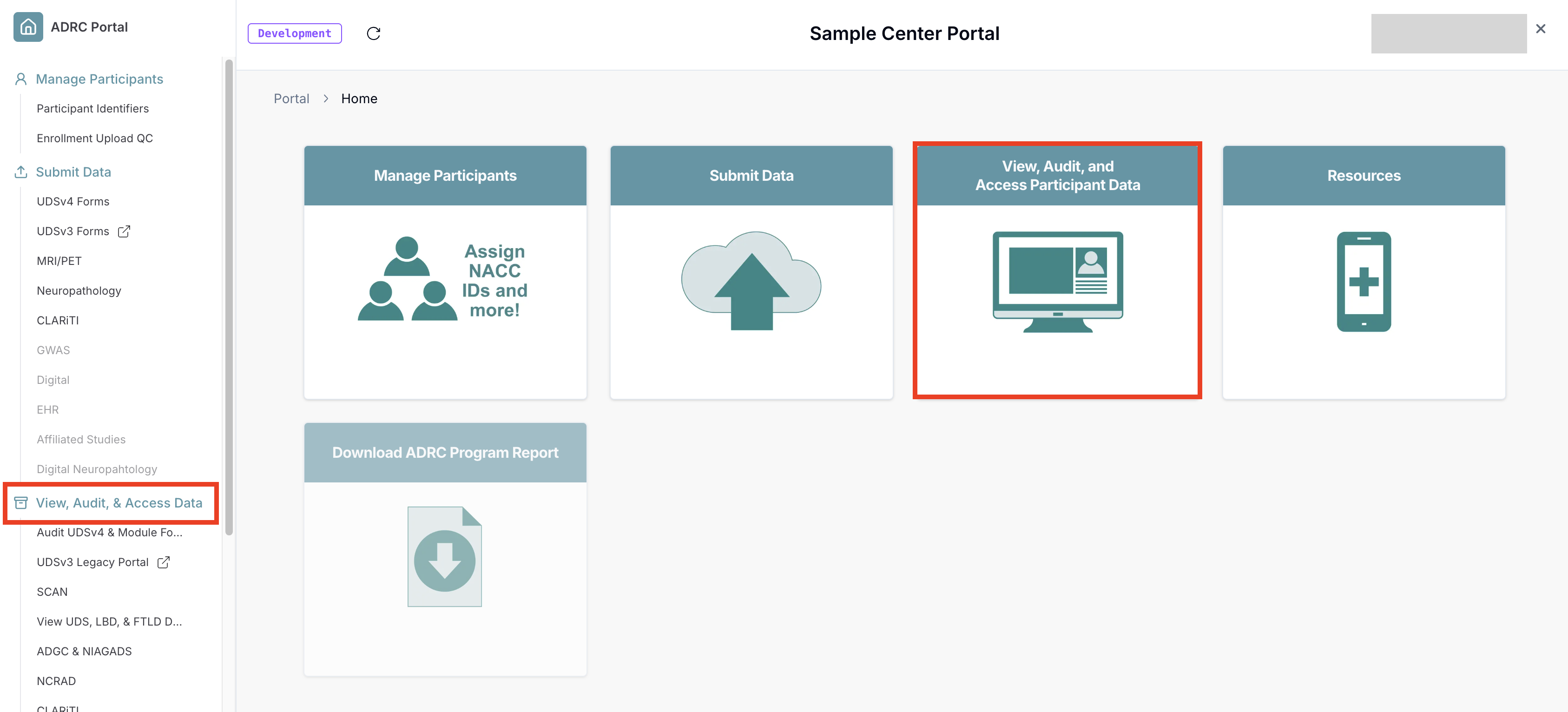
- Click on the "View, Audit, and Access Participant Data" button. You can also access this dashboard through the sidebar.
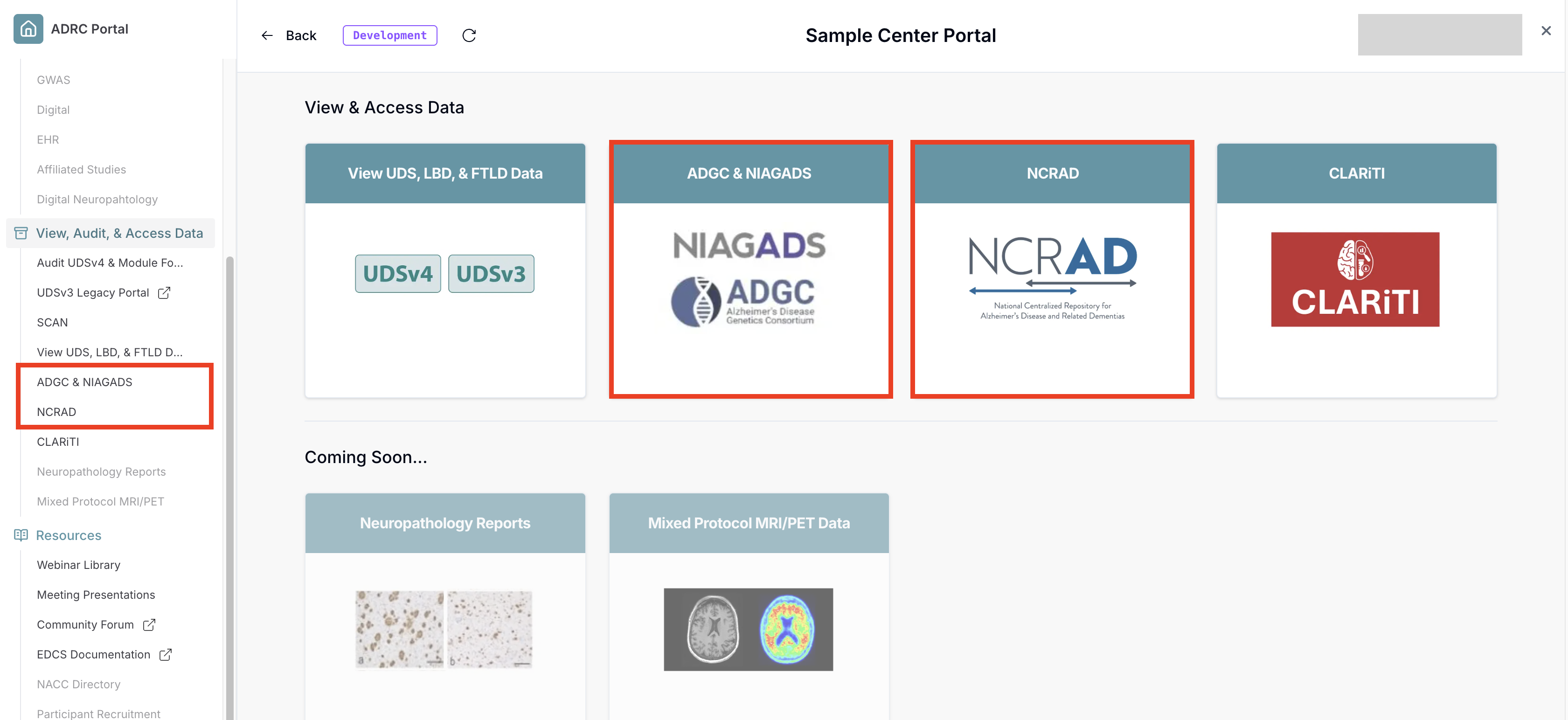
- Scroll down to the "View & Access Data" category and select your data type of choice, e.g., NIAGADS or NCRAD data. You can also access these dashboards through the sidebar.
-
This will bring you to the corresponding dashboards - see the following child pages for dashboard-specific download guides.
-
Each dashboard provides a list of files available for download.
- Locate the file you need in this list. Use can use the provided search bar to narrow results down.
- File details to confirm it’s the correct release:
- Name (matches the expected dataset/release)
- Last Updated (most recent posting date/time)
- Type (commonly listed as tabular data/CSV)
Troubleshooting/Support
Submit a Support Request if you encounter any of the following:
-
You can login but do not see the relevant dashboards in the left navigation.
-
You can open a dashboard but no files are listed.
-
A file is listed but will not download.
-
You believe your center's file is missing, outdated, or incorrect.