Center Freeze Data Download Guide – ADRC Portal
Introduction
Alzheimer’s Disease Research Centers (ADRCs) can download their center's frozen data via the ADRC Portal. This includes full visit-level datasets for each NACC module, including computed NACC derived variables and missingness recoding, for all participants in the center.
This page describes how to access and download frozen data from the ADRC Portal.
Accessing and Downloading Center Freeze Data
This section provides a step-by-step guide on how to access your center's frozen data.
Step-by-step guide
-
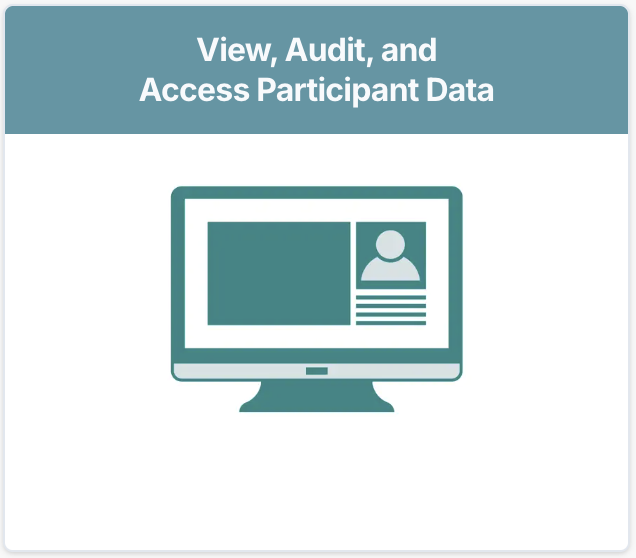
From the ADRC Portal homepage, click View, Audit, and Access Participant Data.
-
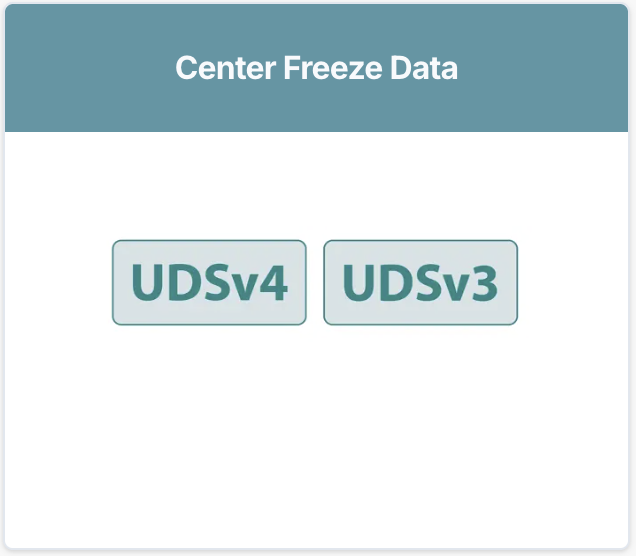
From the View, Audit, and Access Data page, select the tile labeled Center Freeze Data.
-
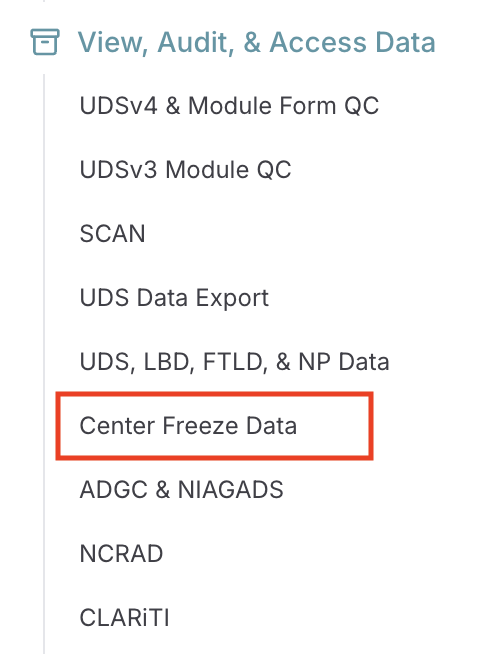
Alternatively, click Center Freeze Data under the View, Audit, & Access Data section in the sidebar.
-
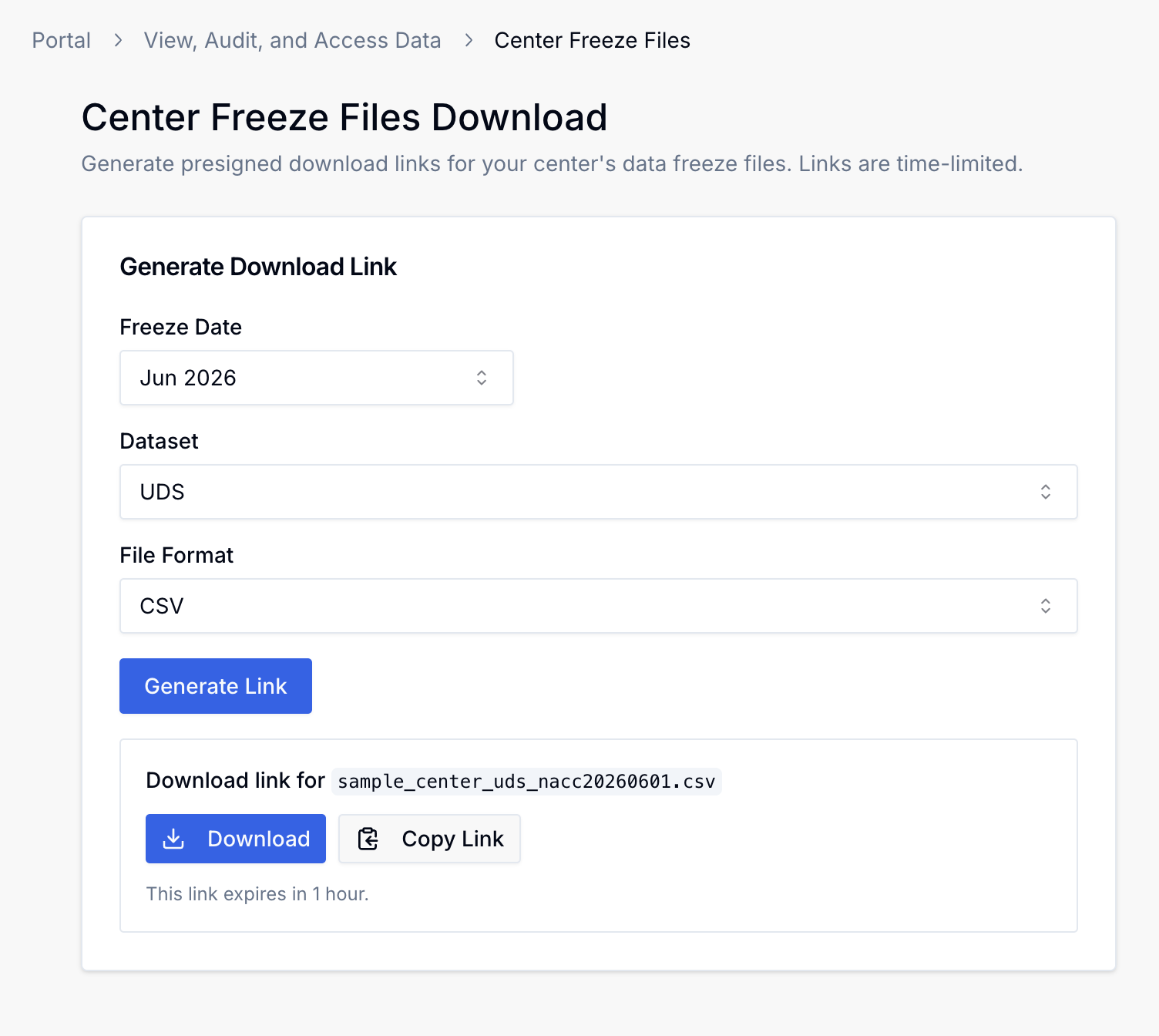
This brings you to the Center Freeze Data download page. The latest freeze is always selected by default, but you can use the dropdown to access older freezes.
Note: Legacy freezes earlier than June 2026 are not available via the ADRC Portal. If you require older freeze data, please submit a Support Request.
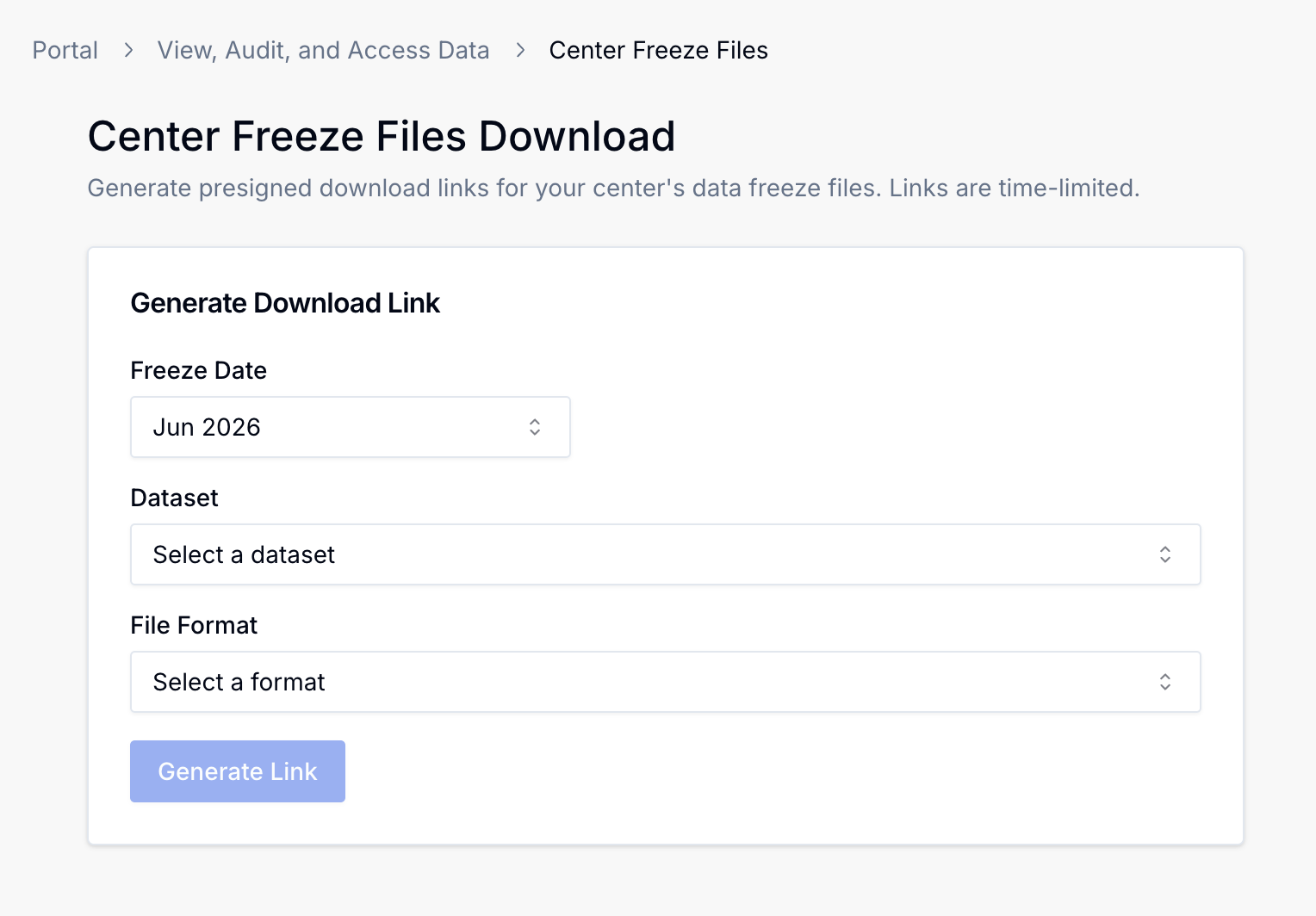
-
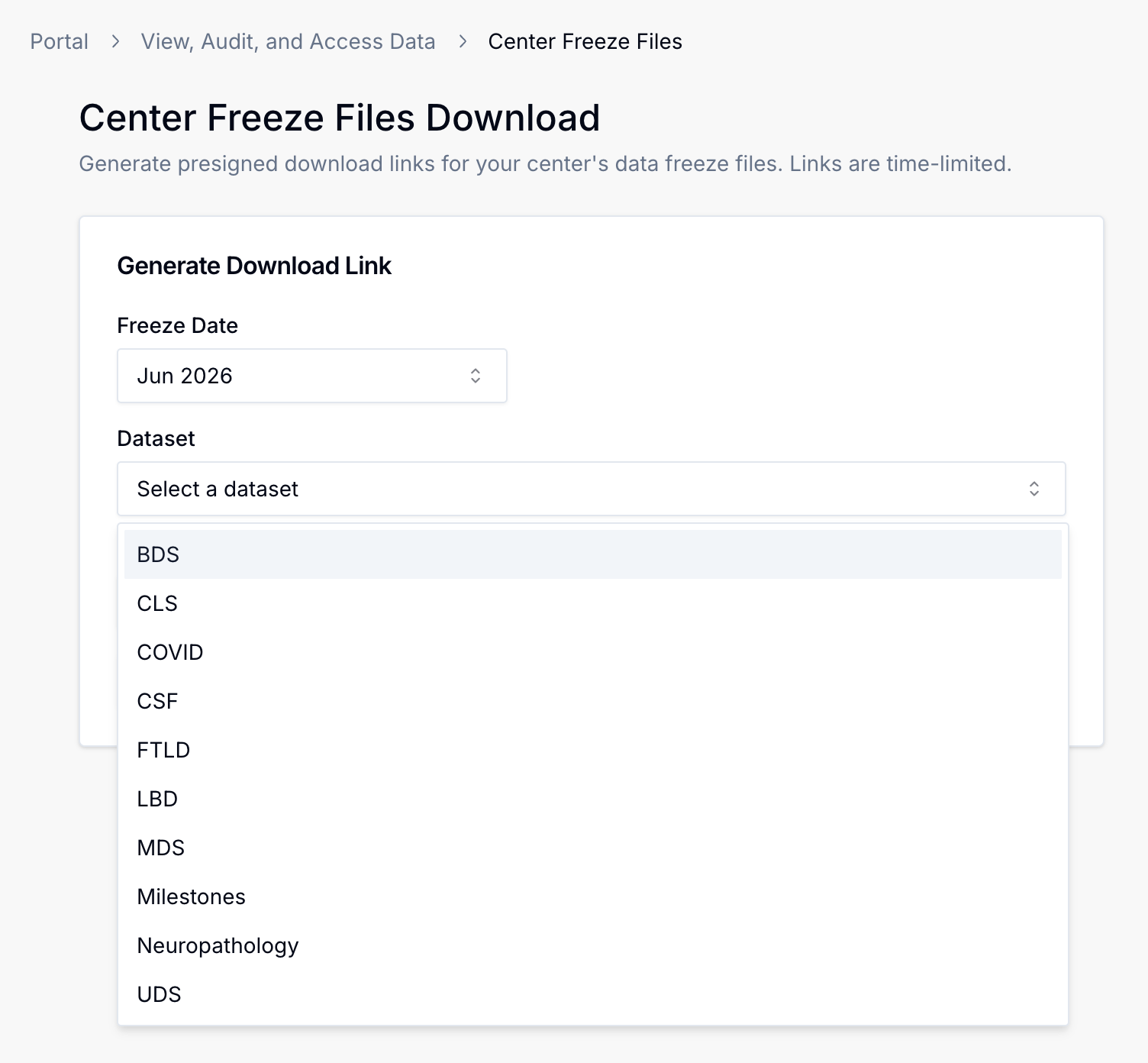
Next, select your desired dataset. The following example shows all currently available modules, but your center may not have all these options if it has no data for a particular module.
-
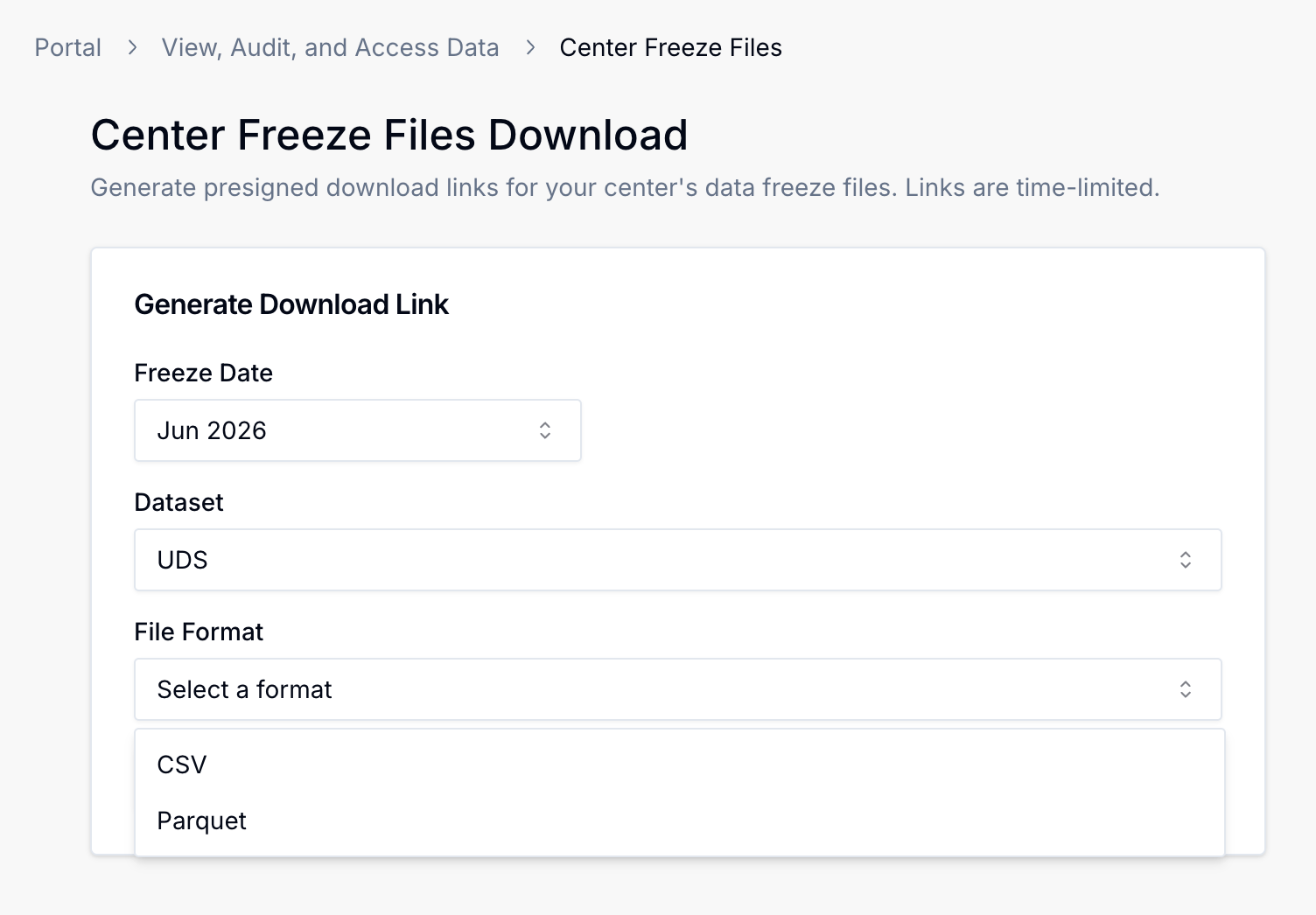
Next, select your desired file format. Currently, only CSVs and Parquets are supported.
-
Finally, click the "Generate Link" button. A download link will be provided for your dataset. Please note that the link is public and expires in 1 hour.